Automation AI Powered

Power Apps with AI

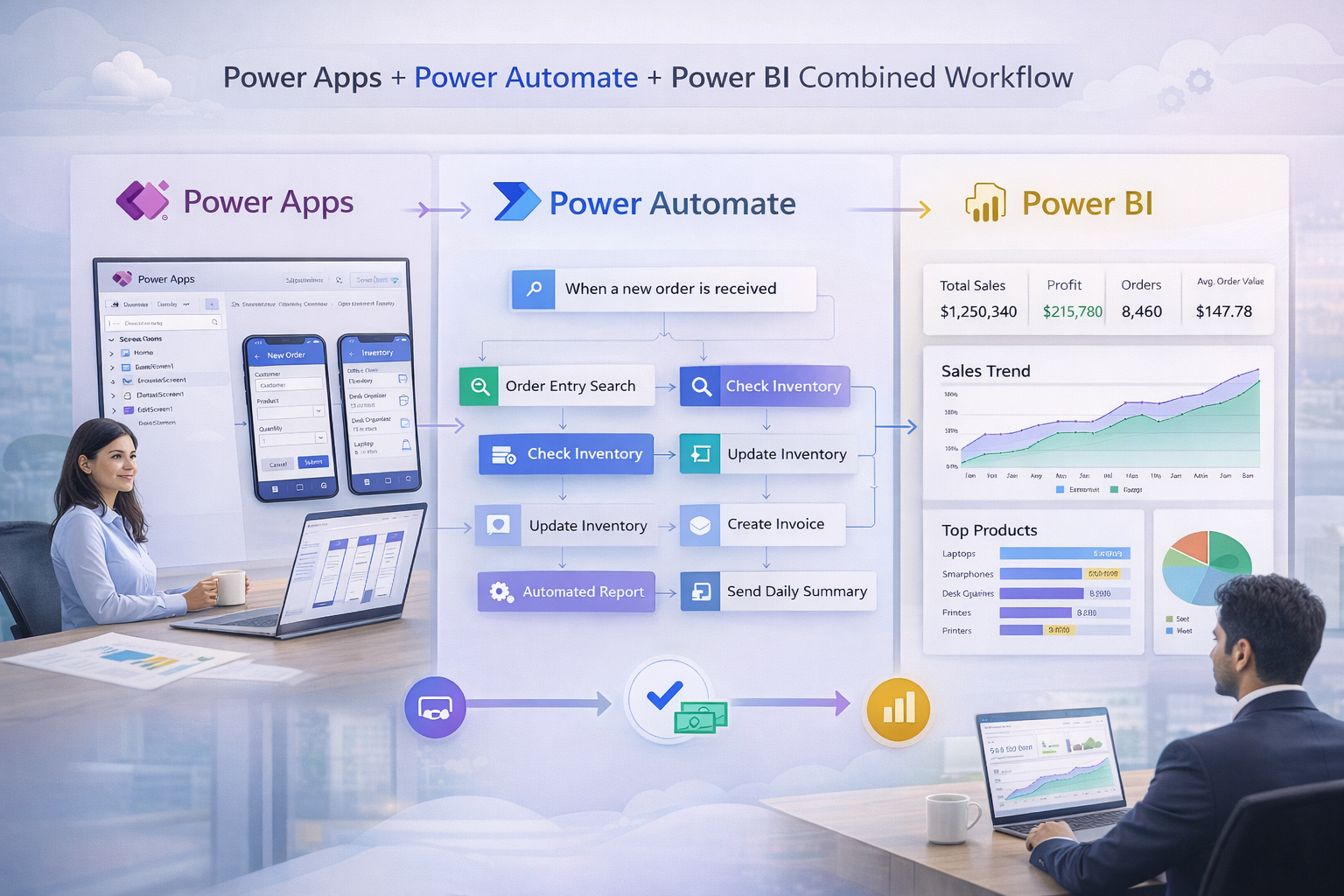
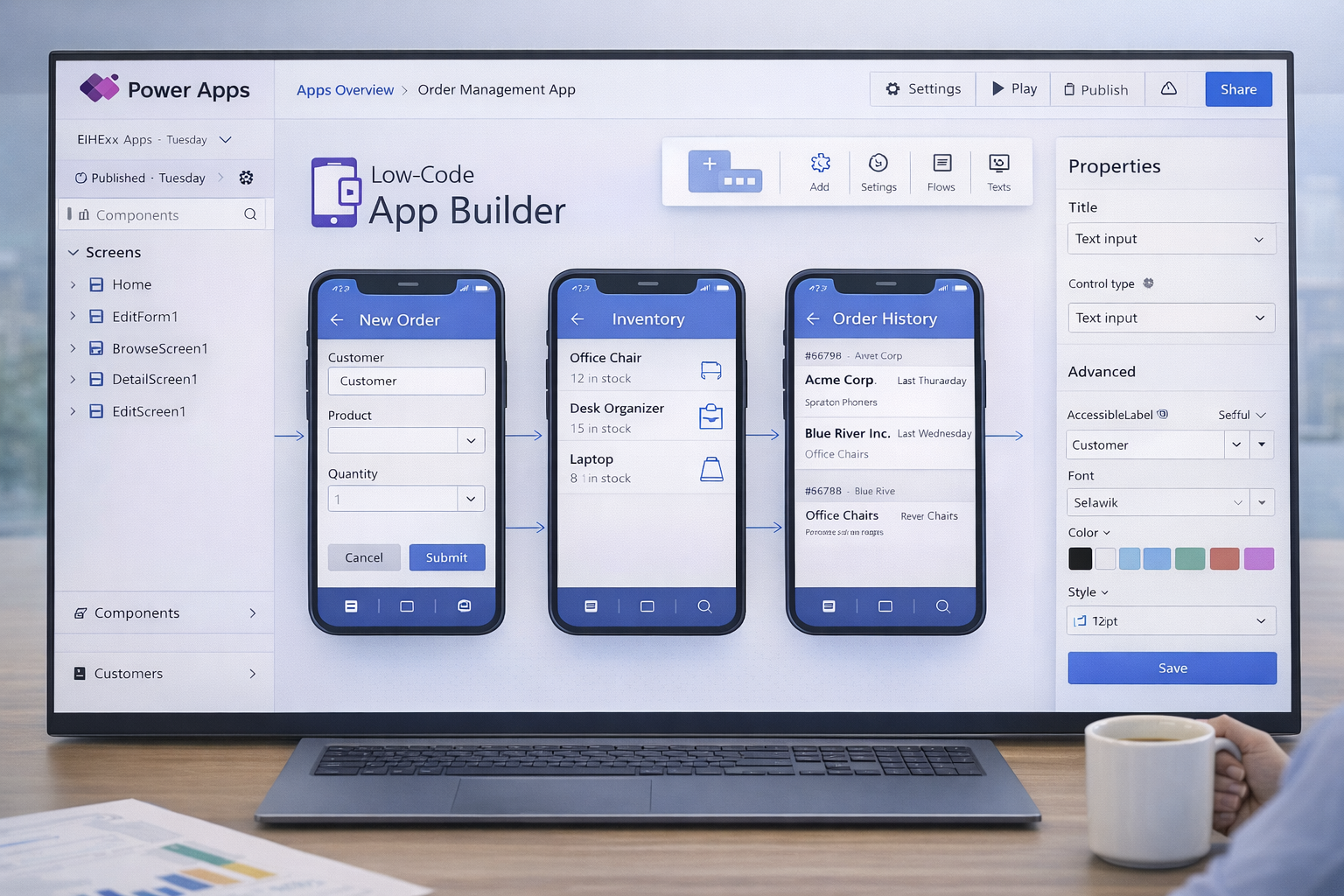
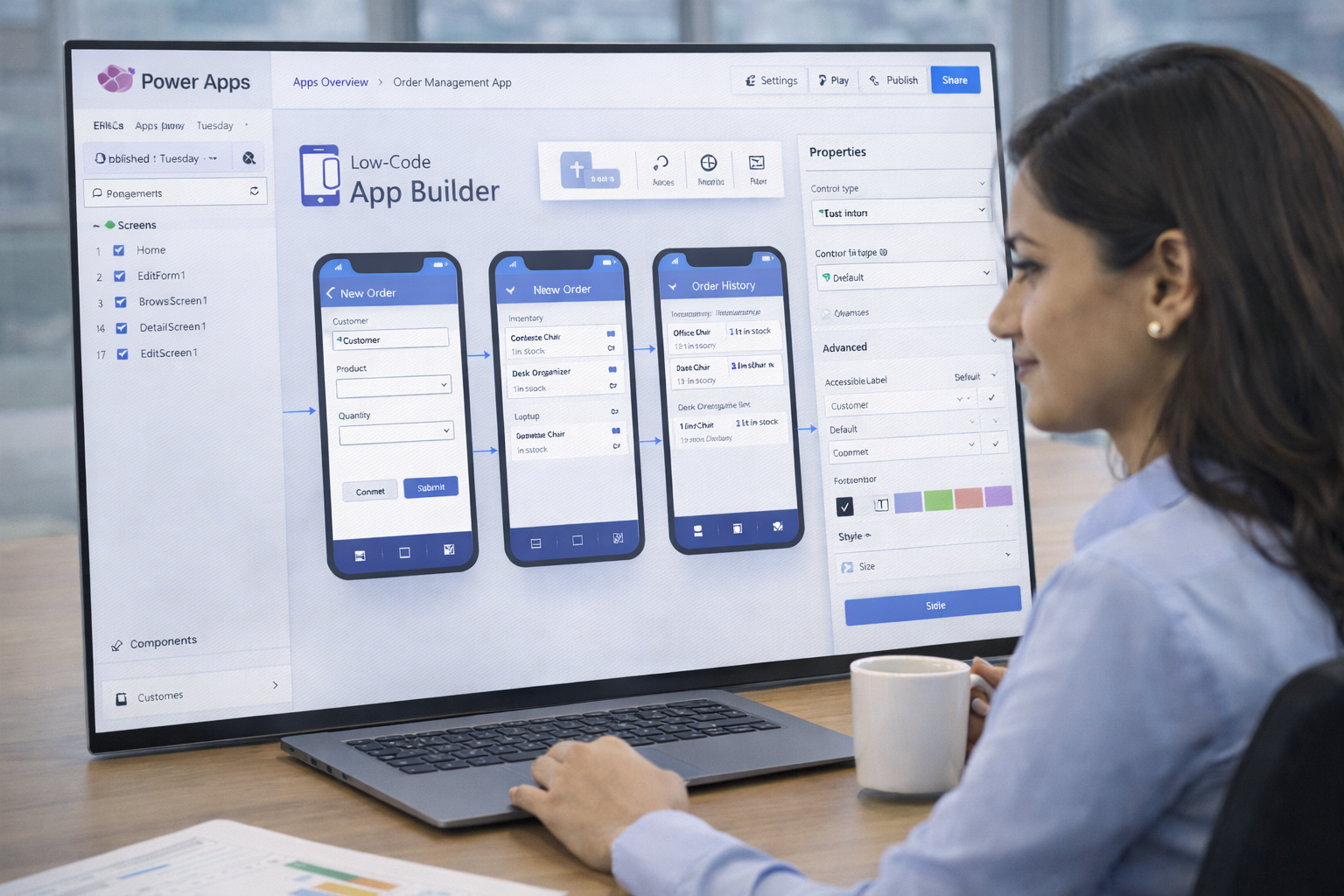
Build custom business applications for mobile and web without writing code. Connect to SharePoint, Excel, SQL, and any data source with Microsoft Power Apps.

6 Weeks
Beginner to Intermediate
Weekdays & Weekends
+91 82974 44777
πŸ“Š KPI Dashboard β€” FY 2025
Revenue
β‚Ή2.4M
↑ 18%
Students
1,284
↑ 24%
Profit
β‚Ή820K
↑ 12%
Monthly Revenue (β‚Ή Lakhs)
Jan
Feb
Mar
Apr
May
Jun
πŸ“ˆ Sales Trend Report β€” 2025
Revenue Trend (Jan–Jun 2025)
JanFebMarAprMayJun
CourseQ1Q2Growth
Excelβ‚Ή45Kβ‚Ή52K+15.6%
Power BIβ‚Ή38Kβ‚Ή49K+28.9%
Pythonβ‚Ή29Kβ‚Ή41K+41.4%
SQLβ‚Ή22Kβ‚Ή31K+40.9%
πŸ₯§ Revenue Breakdown β€” by Course
β‚Ή2.4M
Total
Excel
45%
Power BI
28%
Python
17%
Others
10%
FY Total Revenueβ‚Ή2.4M↑ 23% vs LY
KPI Dashboard

Quick Facts

  • Duration6 Weeks
  • LevelBeginner to Intermediate
  • ScheduleWeekdays & Weekends
  • Modules4 Modules
  • LocationPunjagutta + Online
Course Introduction

Watch Before You Enroll

🎬 Click to play · Video hosted on YouTube

What You'll Learn

Build canvas apps from scratch using Power Apps Studio

Design responsive UIs for mobile and desktop

Connect to SharePoint, Excel, SQL, and Dataverse

Write Power Fx formulas for app logic and data manipulation

Build forms, galleries, charts, and navigation menus

Integrate Power Automate for automated actions in apps

Use Copilot to generate apps from text descriptions

Deploy and share apps with your organisation

Course Curriculum

4 modules Β· Click any module to see the topics

  • Canvas Apps vs Model-Driven Apps
  • Power Apps Studio Interface
  • Building Your First App
  • Connecting to SharePoint & Excel
  • Screens, Controls & Properties
  • Power Fx Basics: Variables, Collections
  • Filter, Search & LookUp Functions
  • If, Switch & Navigation Logic
  • Patch, Collect & Remove (Data Operations)
  • Delegation Concepts & Best Practices
  • Layouts: Galleries, Forms, Charts
  • Responsive Design for Mobile & Tablet
  • Custom Themes & Branding
  • Icons, Images & Media Controls
  • Accessibility in Power Apps
  • Power Automate Integration in Apps
  • Using Dataverse as a Backend
  • Copilot: Generate Apps from Prompts
  • Sharing & Managing App Permissions
  • Capstone: Build a Full Business Application

Who Should Attend

  • πŸ‘€Business users who want custom apps without hiring developers
  • πŸ‘€IT professionals looking to extend Microsoft 365 capabilities
  • πŸ‘€Operations and HR teams needing internal tools
  • πŸ‘€Power Automate users who want to add a user interface
  • πŸ‘€Citizen developers in digital transformation roles

Certification

Microsoft Power Platform App Maker (PL-100) exam preparation.

Get Course Details

Free counselling β€’ No obligations

WhatsApp Us

πŸ”’ Your info is safe. We never spam.

Prefer to call? +91 82974 44777

πŸ’° Limited Time Bundle Pricing

Combo Course Offers

Enroll in multiple courses together and unlock exclusive bundle savings β€” designed for learners who want a complete, job-ready skill set.

Starter Pack

Excel + Power BI Bundle

What's Included

  • βœ“AI Powered Advanced MS Excel
  • βœ“Power BI with AI
β‚Ή49,998
β‚Ή36,999
πŸŽ‰ Save β‚Ή13,000 β€’ 26% off
⭐ Most Popular

Full Data Analyst Pack

What's Included

  • βœ“Data Analytics
  • βœ“AI Powered MS Excel
  • βœ“SQL for Analytics
β‚Ή74,997
β‚Ή54,999
πŸŽ‰ Save β‚Ή20,000 β€’ 27% off
Job-Ready

Python + BI Combo

What's Included

  • βœ“Python for Data Science
  • βœ“Power BI with AI
  • βœ“Data Analytics
β‚Ή84,997
β‚Ή62,999
πŸŽ‰ Save β‚Ή22,000 β€’ 26% off

πŸ“ž Call +91 82974 44777 to customise a bundle that fits your goals Β· Pricing valid for new enrolments

You Might Also Like

Courses that pair well with Power Apps with AI

Automation
5 Weeks

Power Automate with AI

Automate your workflows. Free your time

Know More
Cloud & AI
4 Weeks

AI Tools & Prompt Engineering

Explore smart tools shaping tomorrow's business

Know More
Microsoft
8 Weeks

MS Office Complete

Master the full Microsoft Office suite

Know More